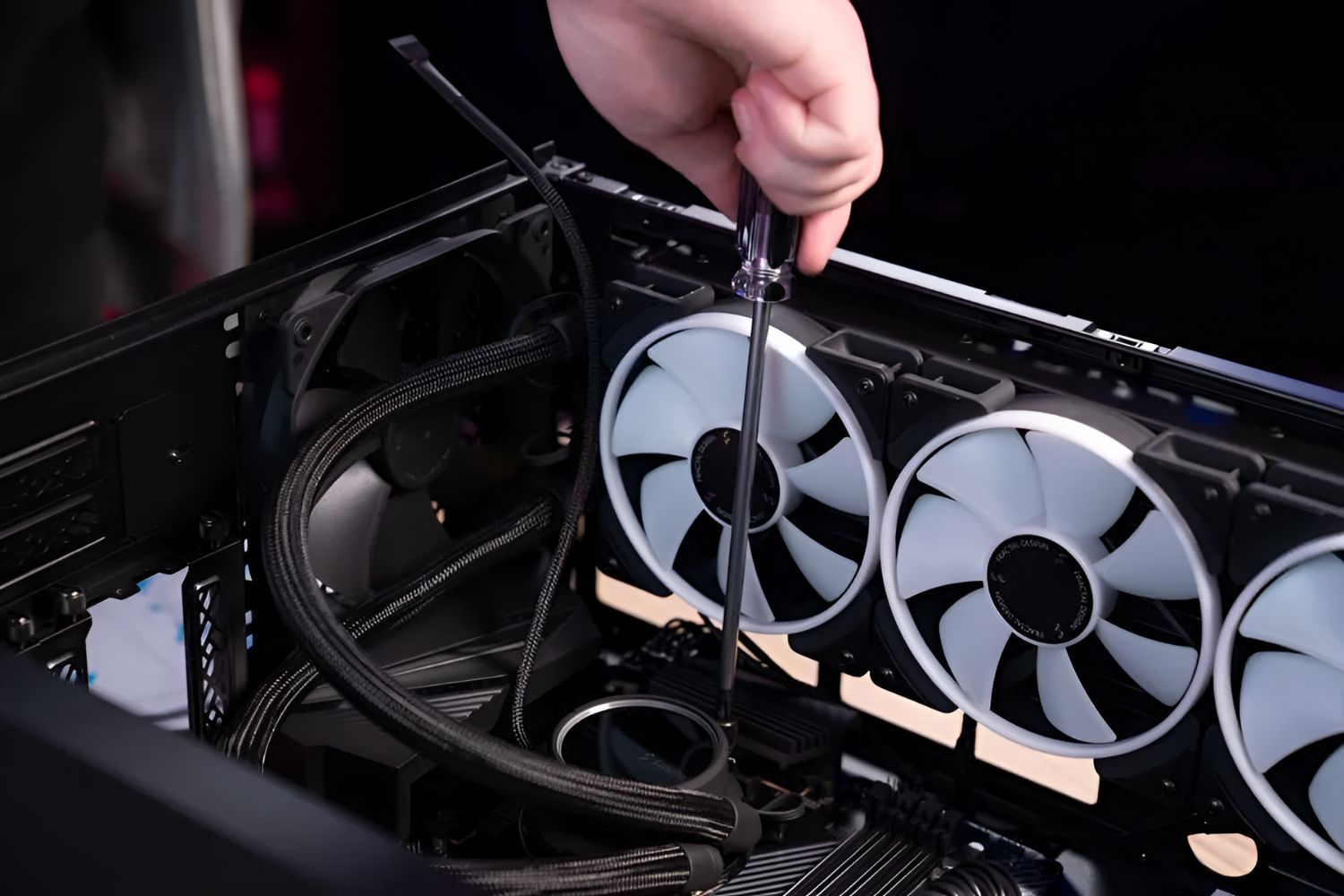
Grab your liquid cooler (all-in-one, or AIO, is the friendly beginner’s choice), your screwdriver, and a clean, flat workspace. You also need a dash of confidence and maybe a good playlist—this is fun, not a chore.
Pro tip: remove your graphics card first. It’s that one friend who always gets in the way at a party. Give yourself an hour, and keep a paper towel nearby for any nervous sweat (not actual leaks—those are rare).
Step 1: Prep the Board
Turn off your PC, unplug everything, and lay the case on its side. This isn’t open-heart surgery, but treat it like a delicate spa treatment. Remove the old cooler (if any) and gently clean off the old thermal paste with isopropyl alcohol.
You’ll see a shiny CPU lid staring back at you. Say hello—you’re about to give it a superhero cape. Install the backplate that came with your cooler; it usually snaps or screws into place behind your motherboard.
 HOW TO INSTALL A LIQUID COOLER IN YOUR PC | Step by Step Guide - YouTube
Step 2: The Gooey Middle Bit
Apply thermal paste. This is the part where beginners panic. Just put a pea-sized dot right in the center of the CPU—no swirls, no stencils. The cooler’s pressure will spread it perfectly, like peanut butter on warm toast.
Now line up your pump block (the part with the tubes) over the CPU. Lower it slowly and evenly, then screw it down in a crisscross pattern. Don’t hulk it—just snug. You’ll feel a satisfying click when it’s seated right.
Step 3: Radiator & Fans
Pick a home for your radiator. Most cases have spots at the top, front, or bottom. Top-mounting is the easiest and often the best for airflow. Screw the radiator to your case, then attach the fans so they blow air out through the radiator.
Cable management alert: plug those fan cables into the “CPU_FAN” and “AIO_PUMP” headers on your motherboard. If you get confused, your manual is a better friend than YouTube’s autoplay nightmare. Take a breath—you’re almost done.

