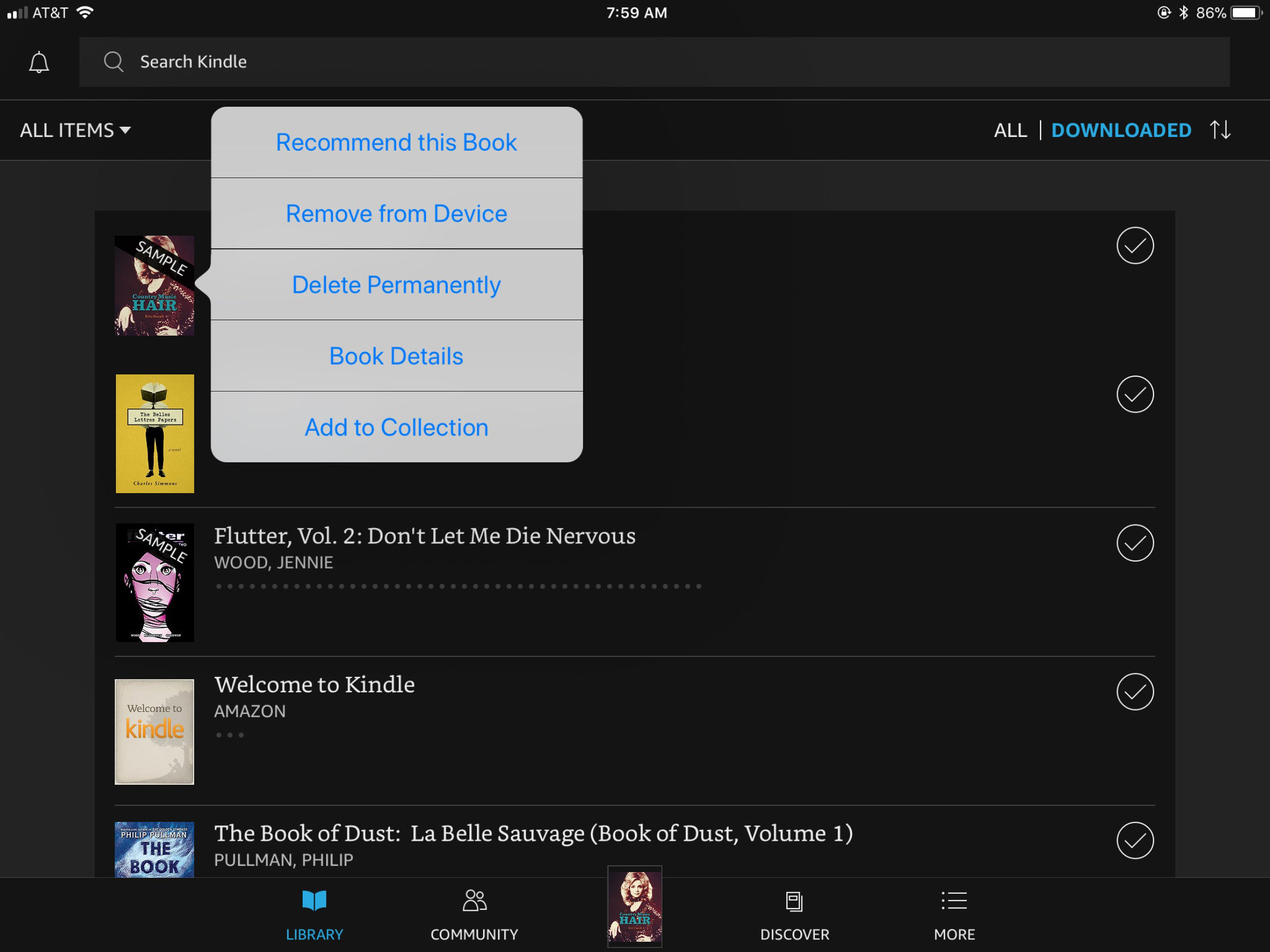
Oh, you sweet summer child. If you borrowed a book through Kindle Unlimited, it’s already on borrowed time. To remove it, just go back to the book’s cover on your Kindle, hold down, and select “Return to Kindle Unlimited.”
This is the easiest “delete” ever. It’s like returning a library book, but without the shame of overdue fees. The book vanishes from your device and your account. Poof.
Pro tip: You can do this from your Amazon account, too, under “Your Kindle Unlimited” section. But let’s be real—you’ll probably just do it on the device.
But Wait—What About Audible Books?
If you have audiobooks on your Kindle (yes, that’s a thing), it’s a similar story. On your device, press and hold the audiobook cover. Tap “Remove from Device.” The file leaves your Kindle, but the audio stays in your Amazon cloud.
To nuke the audio forever, follow Method 2 above. Audible books show up in “Content and Devices” under the “Books” tab. Yes, Amazon mixes them like a lazy bartender.

