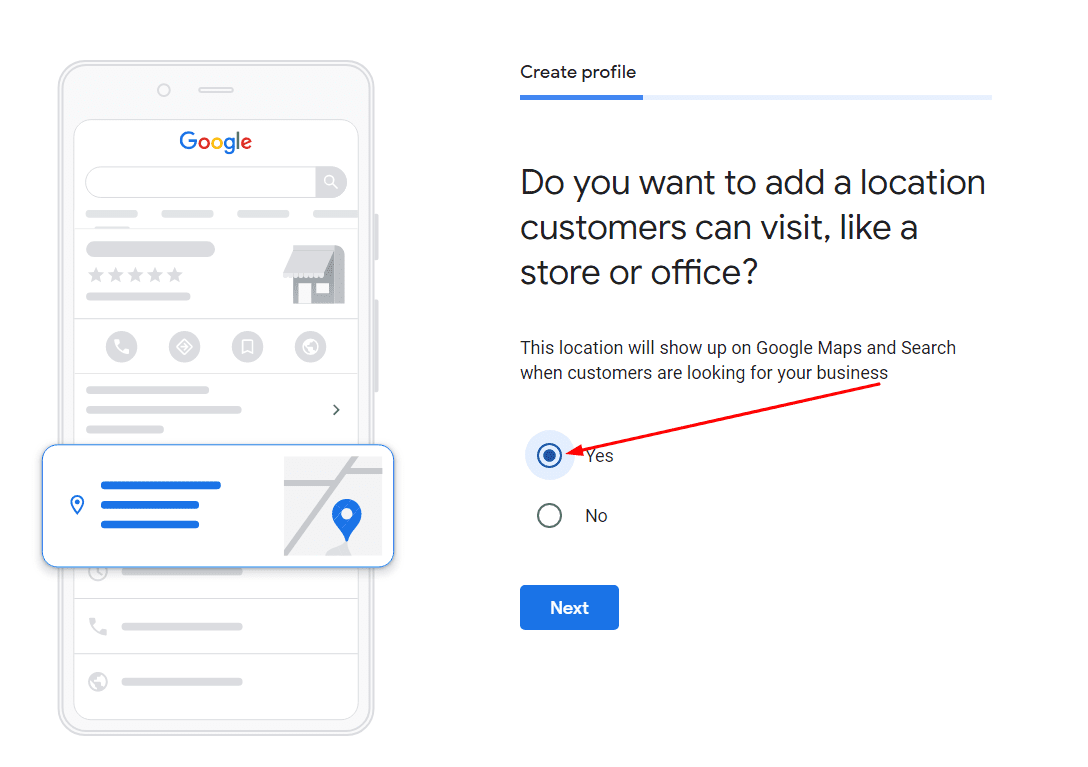
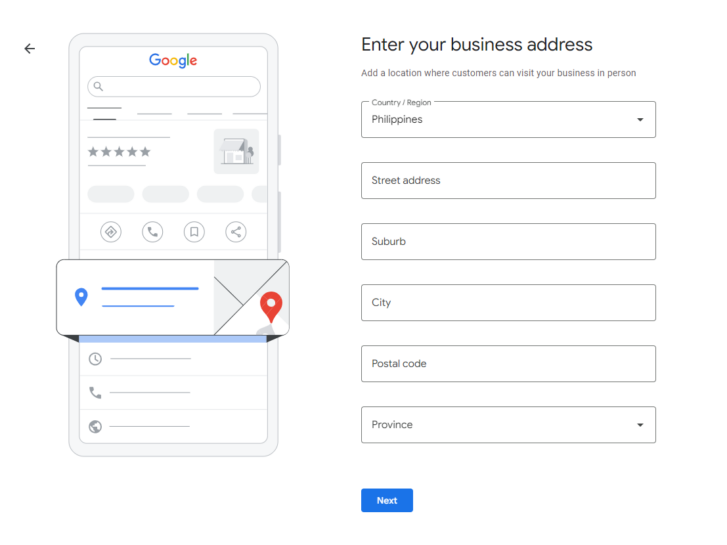
Log into your Google My Business dashboard. Look for the “Add location” button—usually in the top menu or on the left sidebar, hiding like a shy puppy. Click it. You’ll see a screen that says something like, “Start by adding basic information.” Don’t be scared; it’s just a form.
Now, here’s the tricky part: if you click “Add location” and it tries to make a new account (with a new email and everything), hit the brakes. You actually want to look for an option that says “Add location to this account” or “Manage another location.” I know, it’s confusing. Blame Google’s designers, not me.
If you can’t find it, just start a new account. It’s okay. It’ll take you five extra minutes, and you can use your existing email. Think of it as giving your new location its own little pet name.
 The Complete Guide to Google My Business for Local SEO

