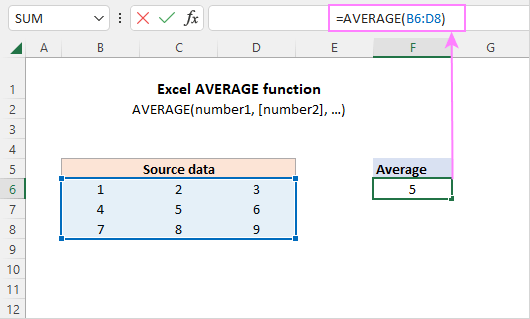
Okay, now let’s get a tiny bit fancy. What if some numbers matter more than others? Imagine you’re calculating a grade: your final exam is worth 50% of the grade, but homework is only 10%. A simple average won’t cut it.
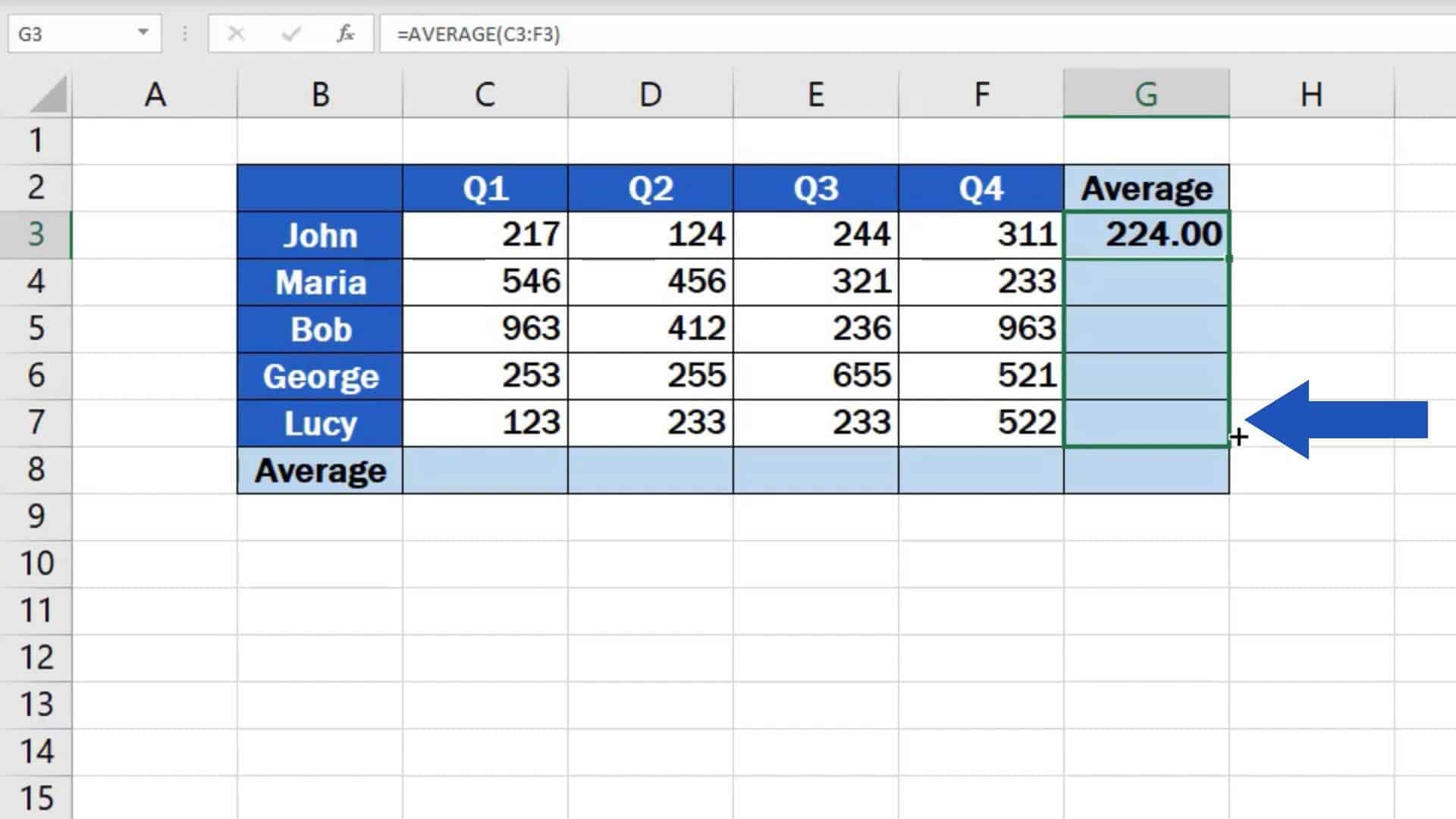 How to Calculate the Average in Excel
That’s when you use the SUMPRODUCT function. It sounds scary, but it’s just a way to calculate a weighted average. You multiply each value by its weight, add them all up, then divide by the sum of weights. Excel does the heavy lifting.
It’s like mixing a cocktail: you want more vodka than orange juice, right? Weighted averages let you prioritize ingredients.
The ‘AutoSum’ Shortcut: Lazy Genius Style
Let’s be honest—typing formulas can feel like work. Excel knows this, so they gave us AutoSum. Click the cell below or to the right of your numbers, then hit the AutoSum button (looks like a Greek letter sigma, Σ).
Excel will guess you want the average. If it picks the wrong range, just drag the highlights to fix it. It’s basically mind reading for spreadsheets.

